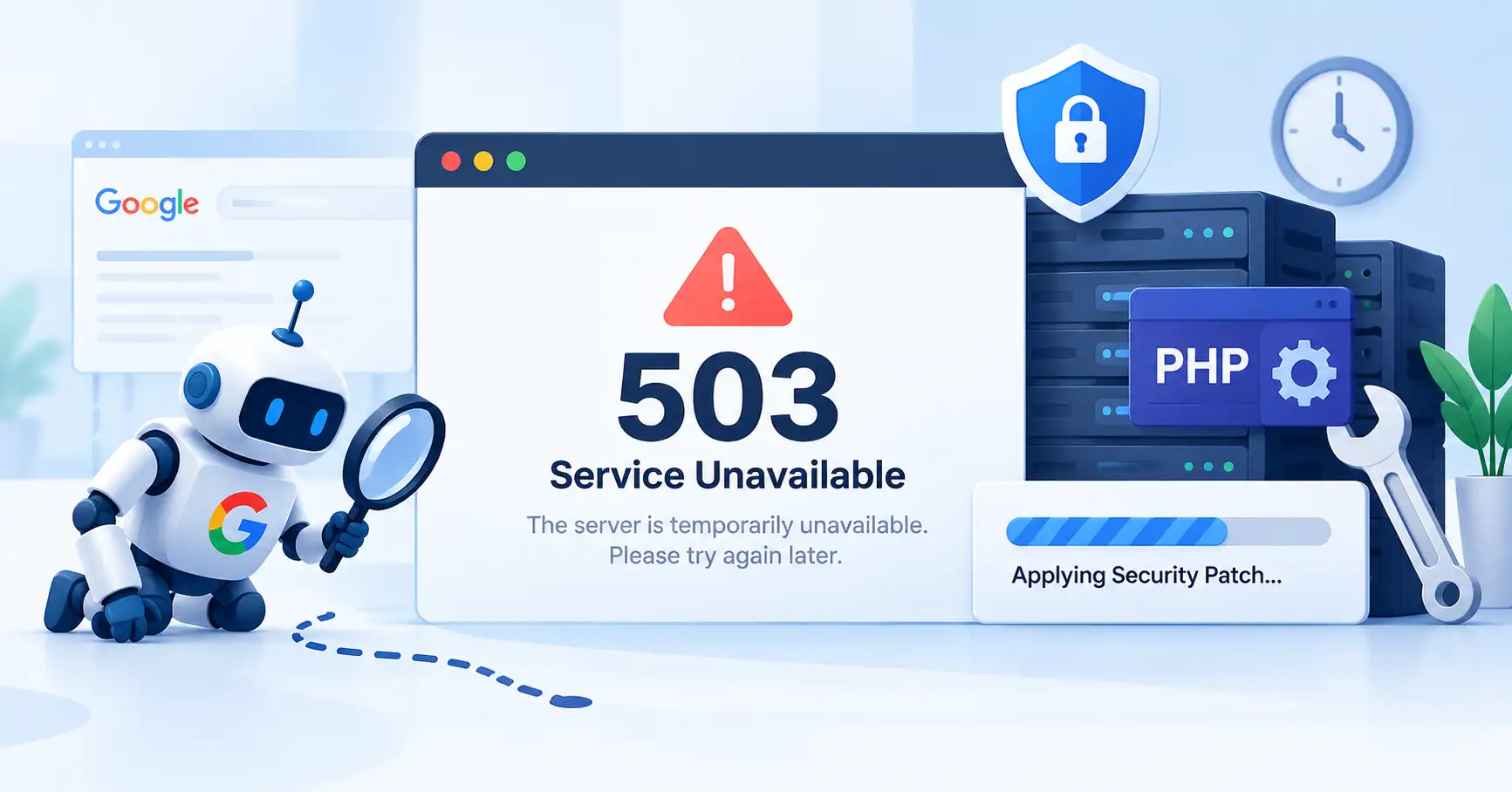
When a website goes offline for a PHP security update or server maintenance, the way it responds to search engine crawlers can influence how Google handles its pages.
Google recommends returning the HTTP 503 Service Unavailable status code during temporary downtime. This tells crawlers that the server is temporarily unable to process requests, rather than indicating that a page has permanently disappeared.
For bloggers, publishers, marketers, and business owners, getting this right matters. A maintenance page might look perfectly normal to visitors, but if the server sends the wrong HTTP status code, it can give search engines a misleading signal.
Here’s why HTTP 503 matters for SEO, how to serve it when PHP is offline, and what to check before and after maintenance.
What Did Google Say About 503 Errors During PHP Downtime?
On October 21, 2026, Google Search Central reminded website owners to return an HTTP 503 response when taking servers offline for emergency PHP patches. The guidance highlights that a 503 communicates temporary unavailability and can help preserve already indexed URLs while maintenance is underway.
Why PHP maintenance can affect SEO
PHP runs many websites, including WordPress sites. When a hosting provider takes PHP offline to install a security patch, dynamic pages may stop loading even though their URLs remain valid.
The issue is how the server reports that failure. A 404 response can suggest that a page no longer exists. A 200 response paired with an error message can be equally misleading because it tells search engines that the request succeeded, even when the expected content isn’t available.
A 503 communicates the situation more accurately: the website is temporarily unavailable and may return to normal shortly.
Why the 503 response must work without PHP
One common mistake is relying on a PHP maintenance script to return a 503, then shutting down PHP itself. Once the runtime is offline, the script can’t execute.
Instead, the response needs to come from a layer that remains operational, such as a CDN, reverse proxy, web server, or separate maintenance server.
Why HTTP 503 Matters for SEO
According to Google’s official HTTP status code documentation, 5xx responses cause crawlers to reduce their crawling activity temporarily. Previously indexed URLs may remain in Google’s index initially, but URLs that continue returning server errors can eventually be removed.
503 vs. 404 vs. 500 vs. 200
| Status code | Meaning | Implication during maintenance |
| 200 OK | The request succeeded | Misleading if the page displays only an error message instead of its intended content |
| 404 Not Found | The resource wasn’t found | May lead Google to remove the URL from its index |
| 500 Internal Server Error | The server encountered an error | Signals a server problem without specifically communicating temporary maintenance |
| 503 Service Unavailable | The service is temporarily unavailable | Appropriate for short term maintenance |
A 503 doesn’t guarantee that rankings will remain unchanged. It simply gives Google a clearer signal about the temporary nature of the outage than a 404 or an inaccurate 200 response.
What happens if 503 errors continue for days?
Google’s crawl rate guidance advises against returning 503 responses for longer than approximately one to two days. If Googlebot continues encountering server errors at the same URLs over several days, those pages may be dropped from the index.
For publishers that depend on organic traffic, this is an important distinction. A brief, planned maintenance window is very different from a website that remains unavailable for several days.
How to Serve HTTP 503 When PHP Is Offline
The right approach depends on your hosting setup. Before disabling PHP, ask your developer or hosting provider to configure the response at the infrastructure level.
1. Configure a CDN or edge level maintenance response
If your website uses a CDN or reverse proxy, check whether it supports maintenance rules or custom responses that can return HTTP 503 without contacting the origin server.
For example, a WordPress publisher applying a critical PHP patch could temporarily route requests to a lightweight maintenance page while the origin server is updated. The important detail is that the CDN must return an actual 503 status code, not just display a maintenance message with a 200 response.
2. Use web server or infrastructure level configuration
Web servers such as Nginx and Apache can serve static maintenance pages independently of PHP. Another option is to route traffic temporarily to a separate maintenance server.
Test the configuration before relying on it. A rule that works while PHP is running might behave differently once the application runtime or origin server becomes unavailable.
3. Add a Retry After header where appropriate
A Retry After header can indicate when a client should try again. For example:
HTTP/1.1 503 Service Unavailable
Retry After: 120
Content Type: text/html
In this example, 120 tells the client to wait 120 seconds before retrying. Google supports specifying a delay in seconds or an absolute date and time in UTC.
Use a realistic estimate, but don’t assume Google will retry at that exact moment. The header provides guidance rather than a guaranteed retry schedule.
4. Keep robots.txt accessible
Don’t inadvertently return 503 for robots.txt along with every other URL. Google recommends keeping this file accessible during temporary site closures. If crawlers can’t retrieve it, their ability to determine which parts of the site they can crawl may be affected.
For short maintenance windows, a simple static HTML page is usually a practical choice. It avoids unnecessary dependencies on scripts, fonts, and other resources that might fail while the application is offline.
Website Maintenance SEO Checklist
Before taking your website offline, run through these checks to reduce avoidable crawling and indexing problems.
- Verify the response code: Make sure affected pages return HTTP 503, not 404 or 200.
- Keep the maintenance page lightweight: Use static HTML and avoid unnecessary external resources.
- Keep robots.txt accessible: Don’t block all crawling or return 503 for this file.
- Plan a realistic maintenance window: Complete the work and restore normal service as quickly as practical.
- Restore normal responses: Once maintenance is complete, confirm that working pages return HTTP 200.
- Review server logs: Look for recurring errors, failed requests, and unexpected downtime.
- Monitor Google Search Console: Check indexing reports and URL Inspection results if problems persist.
You can check a page’s response from your terminal with curl:
curl I https://example.com/
During maintenance, the response should include 503 Service Unavailable. After the site is restored, run the command again and confirm that the homepage returns HTTP 200.
Don’t stop at the homepage, though. Test several important URLs. A working homepage doesn’t necessarily mean every article, landing page, and category page is back online.
For additional guidance, explore our articles on website indexing and crawling .
FAQ’s
A brief 503 response during planned maintenance doesn’t automatically mean rankings will drop. Google treats it as a temporary server problem, but prolonged or recurring errors can reduce crawling and eventually lead to affected URLs being removed from the index.
Google advises against keeping 503 responses in place for longer than approximately one to two days. This is guidance, not a guaranteed grace period. Restore normal service promptly rather than assuming pages will remain indexed for a fixed amount of time.
Yes. A CDN, reverse proxy, web server, or separate maintenance server can return a 503 without relying on PHP. This is especially important when the maintenance process involves shutting down the PHP runtime itself.
No. Google recommends keeping robots.txt accessible during temporary website closures. Returning 503 for this file can interfere with Google’s ability to determine which parts of the website it can crawl.
Conclusion
Google’s reminder highlights an important technical SEO detail: the HTTP status code matters just as much as the maintenance message visitors see.
If PHP patching requires downtime, configure your infrastructure to return a genuine 503 response, keep robots.txt accessible, and restore normal service as soon as the work is complete. Then verify the response codes instead of assuming the website has fully recovered just because the homepage loads.
For longer outages, consider whether the entire website needs to go offline. Google’s guidance recommends limiting functionality where possible rather than disabling a site for an extended period.

Kumar Swamy is the CEO of Itech Manthra Pvt Ltd and a dedicated Article Writer and SEO Specialist. With a wealth of experience in crafting high-quality content, he focuses on technology, business, and current events, ensuring that readers receive timely and relevant insights.
As a technical SEO expert, Kumar Swamy employs effective strategies to optimize websites for search engines, boosting visibility and performance. Passionate about sharing knowledge, he aims to empower audiences with informative and engaging articles.
Connect with Kumar Swamy to explore the evolving landscape of content creation!