Technical SEO goes beyond helping search engines discover your content. It also involves keeping your website accessible, managing crawler permissions, and making sure URLs follow a consistent structure.
For bloggers, publishers, marketers, and business owners, small technical issues can have consequences that are easy to miss. A server outage, an overly restrictive robots.txt rule, or inconsistent URL formatting can affect how search engines access and interpret website content.
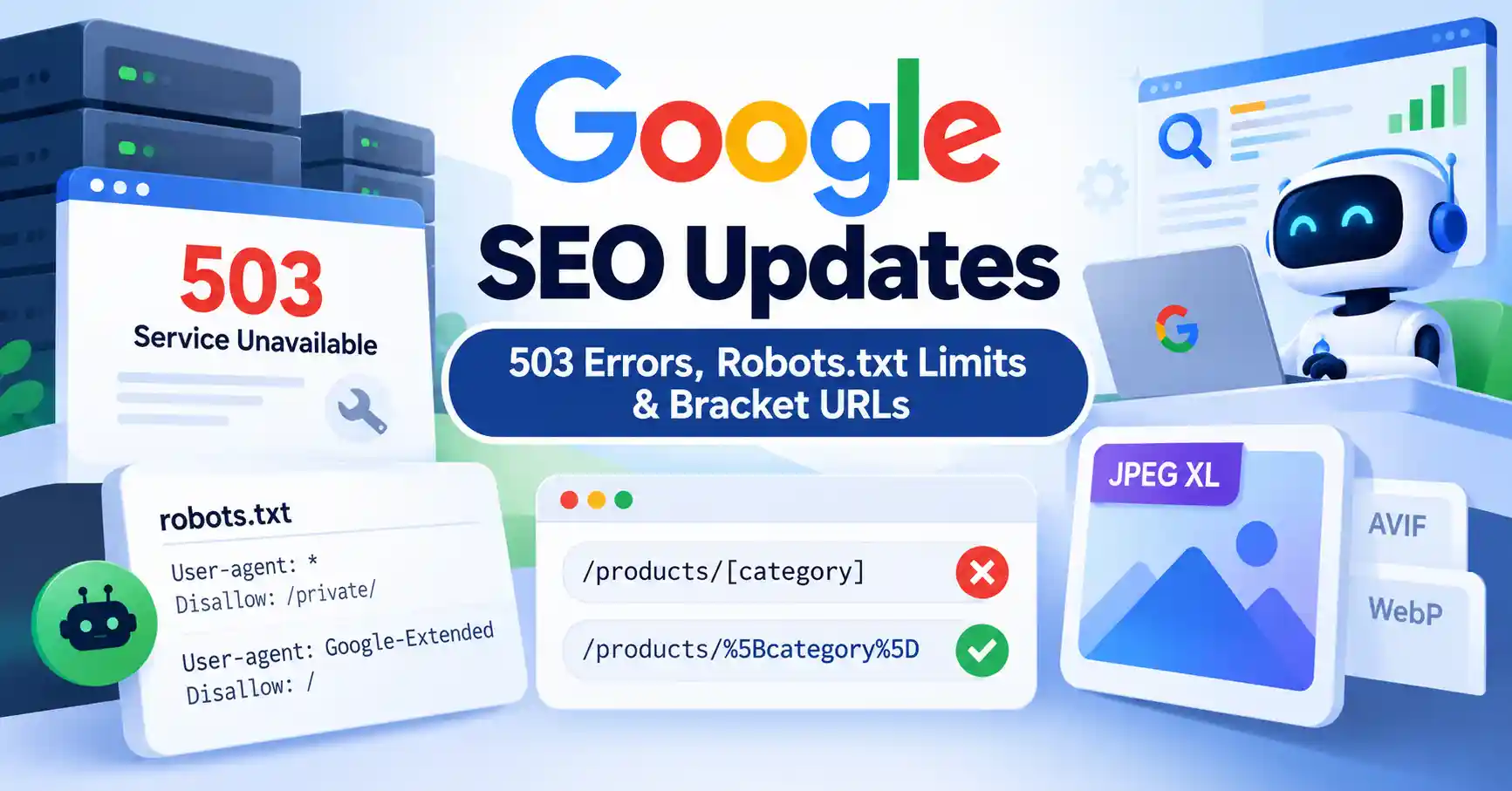
This SEO Pulse roundup covers five developments: HTTP 503 errors during maintenance, the limits of robots.txt, raw versus encoded bracket URLs, JPEG XL image support, and the changing role of AI agents.
Here’s what these updates mean for your website and which issues deserve your attention.
1. Google SEO Updates: Why HTTP 503 Errors Matter
Websites need maintenance from time to time, whether it’s for security patches, software updates, database migrations, or infrastructure changes. Returning the right HTTP status code during these periods helps search engines understand why a page isn’t available.
Why use HTTP 503 during temporary maintenance?
A 503 Service Unavailable response tells clients, including Googlebot, that the server can’t handle a request right now but the problem is expected to be temporary.
Consider a WordPress website undergoing a PHP upgrade. Instead of displaying a broken page, the site owner wants visitors to see a maintenance message.
During this period, the server should return an actual HTTP 503 response. If the maintenance page returns 200 OK, Google may interpret the response as a successfully served page even though the site isn’t operating normally.
Google also supports the Retry After response header, which indicates when the server expects to become available again.
For example:
HTTP/1.1 503 Service Unavailable
Retry After: 3600
Content Type: text/html charset=UTF 8
The value 3600 means 3,600 seconds, or one hour. Set this value according to your expected maintenance window rather than choosing an arbitrary duration.
How 503 differs from 404 and 200
| Status code | Meaning | Typical use |
| 200 OK | Request succeeded | A functioning webpage |
| 404 Not Found | Resource wasn’t found | A nonexistent or removed page |
| 503 Service Unavailable | Service is temporarily unavailable | Maintenance or temporary overload |
The length of the outage matters. A short maintenance window is very different from a website that remains unavailable for several days.
Google may reduce crawling when it encounters server errors. If the problem persists, previously indexed pages can eventually disappear from search results. Restoring normal service promptly helps limit the disruption.
What if PHP is completely unavailable?
A PHP based maintenance plugin won’t help if PHP itself has stopped working. In that situation, configure the maintenance response at a layer that remains operational, such as the web server, reverse proxy, or CDN.
Once maintenance is complete, test the homepage and important landing pages. Make sure they return normal responses and that the maintenance message is no longer being served.
For additional troubleshooting advice, consult Google’s documentation on crawling errors.
2. Robots.txt Limits: What Website Owners Need to Know
The robots.txt file tells compliant crawlers which parts of a website they may access. What it doesn’t do is control every possible use of content after a system has obtained it.
That distinction is increasingly important for publishers deciding how their content should be accessed by Google Search, AI systems, and other crawlers.
Does robots.txt control AI training?
Not on its own. Standard robots.txt directives communicate crawling preferences, but they aren’t a universal mechanism for controlling how every system uses content it has already collected.
Google offers a separate control called Google Extended. Publishers can use its user agent token in robots.txt to restrict certain uses of crawled content, including training future Gemini models and grounding responses in Gemini Apps and Vertex AI.
Google Extended isn’t a separate crawler, and using it doesn’t affect a page’s inclusion in Google Search.
For instance, a publisher may want Googlebot to continue accessing articles for Search while restricting eligible Google Extended uses. These are separate controls and need to be configured accordingly.
For more information, read Google’s robots.txt documentation.
Three common robots.txt mistakes
- Blocking a page when the goal is deindexing. A blocked URL can still appear in search results if Google discovers it through other links. If you want to prevent indexing, use an appropriate noindex directive and allow Google to crawl the page so it can read that instruction.
- Treating robots.txt as a security tool. It doesn’t protect confidential files or prevent malicious bots from requesting publicly accessible resources. Private content needs authentication or other access controls.
- Assuming one rule controls every AI crawler. Different providers use different crawler identifiers and policies. Check each provider’s current documentation before setting restrictions.
The important distinction is between crawling, indexing, and downstream content use. Each serves a different purpose, so decide what you want to control before changing your configuration.
3. Google URL Handling: Why Raw and Encoded Brackets Matter
URL formatting can create technical SEO complications, particularly on websites that generate dynamic routes or complex product URLs.
Google’s John Mueller explained that URLs containing raw square brackets and their percent encoded equivalents can be treated as different URLs.
For example:
/products/category
/products/%5Bcategory%5D
In the second URL, %5B represents an opening square bracket, while %5D represents a closing square bracket.
Why inconsistent URLs can cause problems
If both URL versions serve the same content, Google may crawl them separately and need to determine which version to retain. That can create unnecessary crawling and complicate canonicalization.
Google’s URL structure guidelines explain how to create consistent, crawlable URLs and handle special characters appropriately.
How to fix bracket URL inconsistencies
If your website uses square brackets in URLs, start with these checks:
- Choose a consistent URL format. For new websites, use conventional URL structures that follow standard encoding rules.
- Standardize internal links. Navigation menus, product links, and contextual links should consistently use the intended URL format.
- Align canonical tags and sitemaps. Avoid declaring one URL as canonical while submitting a different version in your XML sitemap.
- Review structured data. Check that product, article, and breadcrumb URLs match the intended canonical URLs.
- Test before redirecting. Verify how the server handles both versions before changing routes or introducing redirects.
Imagine an online store generating both /products/shoes and /products/%5Bshoes%5D. Before changing either URL, check server responses, existing backlinks, and indexed versions.
Don’t assume both URLs resolve to the same page simply because their characters look equivalent. Test the actual implementation first.
For more background, read our guide to how Google crawling and indexing work.
4. JPEG XL Support: What It Means for Image SEO
JPEG XL is a modern image format designed to compress images efficiently. However, browser support doesn’t automatically mean Google Search supports the format for image indexing.
Google’s image SEO documentation lists BMP, GIF, JPEG, PNG, WebP, SVG, and AVIF as supported image formats. JPEG XL isn’t included in that list.
How to handle JPEG XL images
If your website uses JPEG XL, consider providing a supported fallback format through HTML’s picture element.
<picture>
<source srcset=”/images/product.jxl” type=”image/jxl”>
<source srcset=”/images/product.webp” type=”image/webp”>
<img src=”/images/product.jpg” alt=”Product displayed on a white background”>
</picture>
A browser that supports JPEG XL can use the first source. Other browsers can select a supported alternative, with the img element providing a fallback.
Also review your og:image metadata and relevant structured data to make sure the preferred image is accessible. Google recommends relevant, high quality images and supported formats for image discovery and previews.
If your website relies on Google Images or Discover traffic, checking format compatibility is worthwhile. There’s no need to replace every image without first evaluating how your existing setup performs.
5. AI Agents and the Future of Website Discovery
AI agents are creating new questions about how websites will be accessed. Google CEO Sundar Pichai has discussed a future in which agents can browse webpages much like people do while also using protocols designed specifically for agent interactions.
These approaches could coexist. Browser based access can work with existing websites, while dedicated protocols may eventually support more structured tasks, such as finding products or completing transactions.
For website owners, that doesn’t mean it’s time to rebuild a site around predictions about future protocols.
Instead, focus on the fundamentals:
- Keep important content accessible through standard HTML and crawlable links.
- Maintain accurate product information, structured data, and clear navigation.
- Review the documentation for AI services you want to support.
- Monitor server logs to understand which crawlers and fetchers are accessing your content.
- Treat emerging agent protocols as an evolving area, not an established SEO ranking requirement.
There’s also an important distinction between an AI agent accessing a webpage on someone’s behalf and a crawler systematically building a search index. Their behavior and access requirements may differ, so don’t assume they follow identical rules.
Technical SEO Checklist: What Should You Do Now?
Turn these developments into practical maintenance tasks for your website.
- Test maintenance responses: Make sure temporary downtime returns HTTP 503 rather than a misleading 200 or generic 404.
- Restore service promptly: Test important URLs after maintenance and investigate persistent server errors.
- Audit robots.txt: Check for accidental restrictions and confirm that crawler specific rules reflect your preferences.
- Review URL consistency: Standardize bracket encoding across internal links, canonical tags, sitemaps, and structured data.
- Check image formats: Provide supported fallbacks and confirm that important images are accessible to Google.
- Review Search Console: Investigate crawling errors, indexing reports, and unexpected URL variations.
- Monitor technical changes: Compare crawl activity and indexing before and after significant updates.
You don’t need to overhaul your website every time Google announces a technical change. Focus on the issues that affect your infrastructure, URL structure, and content strategy.
FAQ’s
A brief 503 response during planned maintenance doesn’t automatically mean rankings will drop. Persistent server errors, however, can reduce crawling and eventually lead to previously indexed URLs being removed from Google’s index. Restore normal responses as soon as practical.
Not necessarily. Robots.txt controls crawling rather than indexing directly. Google may discover a blocked URL through other links and show it in search results without accessing its content. If you want to prevent indexing, use an appropriate noindex directive and allow Google to crawl the page to read it.
Robots.txt can communicate preferences to compliant crawlers, and some providers offer specific controls for certain AI uses. Google Extended, for example, controls specified uses of crawled content for Gemini related purposes without affecting inclusion in Google Search. The available controls vary by provider.
Google may treat them as separate URLs. If both versions serve the same content, Google may crawl them separately and select a canonical version. Keep URL encoding consistent and test your server’s routing before modifying existing URLs.
Conclusion
The latest Google SEO developments highlight three priorities: handle temporary website downtime correctly, understand what crawler directives can and can’t control, and keep URL structures consistent.
Image format compatibility and AI agent access are also worth watching, particularly for publishers and businesses that depend on search visibility. Still, technical changes should be driven by verified documentation and actual website issues, not speculation.
Test your implementation, review the relevant Google Search Central guidance, and use Google Search Console to identify problems that need attention.

Kumar Swamy is the CEO of Itech Manthra Pvt Ltd and a dedicated Article Writer and SEO Specialist. With a wealth of experience in crafting high-quality content, he focuses on technology, business, and current events, ensuring that readers receive timely and relevant insights.
As a technical SEO expert, Kumar Swamy employs effective strategies to optimize websites for search engines, boosting visibility and performance. Passionate about sharing knowledge, he aims to empower audiences with informative and engaging articles.
Connect with Kumar Swamy to explore the evolving landscape of content creation!