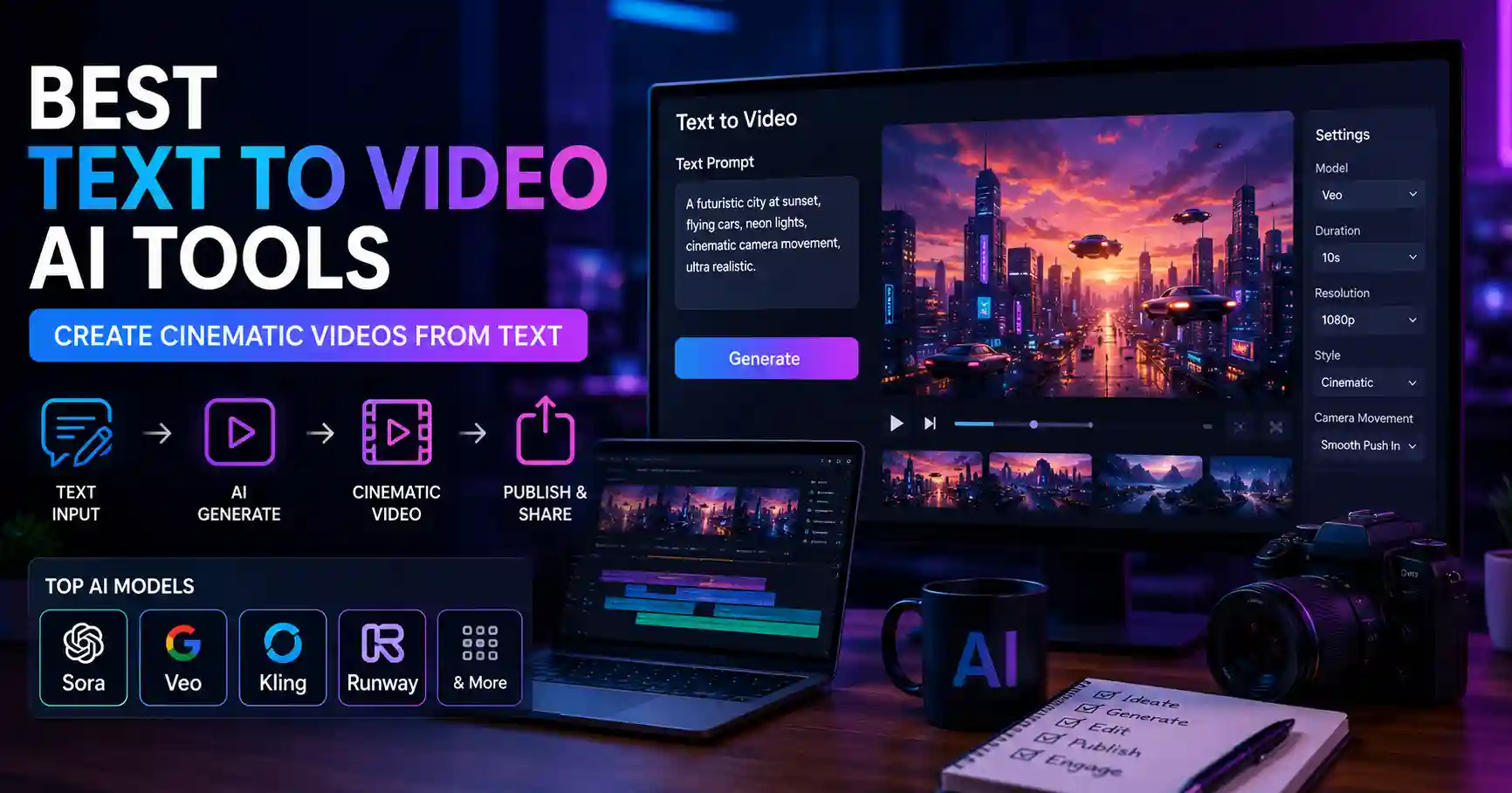
If you’d told me three years ago that I could punch in a paragraph into some box and then get back this cinematic, 10 second thing, I would have laughed and walked away. Now, in mid 2026, it’s just how content gets cooked up. The text to video space has grown way quicker than almost any other corner of AI, and the gap between “AI generated” and “professionally produced” has basically shrunk down so far that a lot of viewers on a phone screen genuinely can’t tell.
But here’s what messes people up. All these new tools, they’ve caused a fresh headache. There are dozens of text to video platforms, each with their own model, their own pricing, and their own weird learning curve. So if you’re a creator, a marketer, or a small business owner trying to actually put out content, the question isn’t “what can we do?” anymore. It’s “what is actually worth my time?”
This is my straight up take on how to approach text to video in 2026, what makes the useful tools feel solid compared with the gimmicks, and how to set up a workflow that won’t eat your whole week.
Why Text to Video Finally Works in 2026
For years text-to-video had that same problem as early AI image generation , you know outputs were uncanny , inconsistent , and pretty full of artifacts. Hands had too many fingers. Characters morphed between frames. Camera movements felt drunk.
That changed in the last 12 months. The current generation of video models Sora, Veo, Kling, Runway, and others produce clips with stable physics, coherent characters, and genuinely cinematic camera work. Now the hard part is that no one model is truly best at everything, not in a clean way. Some shine at realistic human motion, others excel on anime or those more stylized scenes, and yet others land product shots really well but they stumble with people.
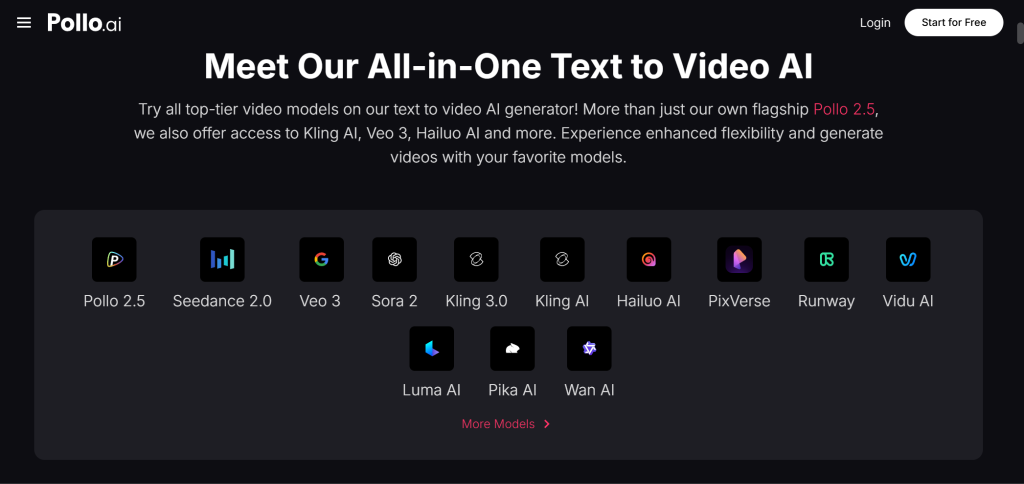
This is basically why I stopped paying for separate model subscriptions and switched over to an aggregator, i mean it just feels cleaner. The Pollo AI text to video generator lets me tap into several top models from one dashboard, and a shared credit system too, so I can choose the best engine for each shot without having to juggle like five different logins. Pollo AI also lives inside a bigger Creative Studio, it handles image , audio , and editing in the same place, so the whole production pipeline stays in one spot. If you are shipping content every week, this consolidation saves more time than any single model upgrade ever would.
Writing Prompts That Actually Work
The biggest skill gap I see in 2026 isn’t tool selection it’s prompt writing. Most people type the same way they’d describe a video to a friend, and they get generic results. Here’s what actually works.
Lead with the shot type. “Wide establishing shot of,” “Close-up of,” “Overhead drone shot of” these framing cues give the model a clear visual structure to build around.
Describe motion explicitly. Video is different from images because something has to move. “Camera slowly pushes in as steam rises from the cup” gives the model far more to work with than “a cup of coffee on a table.”
Add lighting and mood, because “golden hour” with soft overcast light makes everything breathe. Neon reflections on wet pavement, little ripples of color, turn a flat clip into something that feels deliberate not random. When the lighting choices are specific they guide the whole scene, but long prompts confuse the model , so keep it under 80 words. Tight prompts usually beat rambling paragraphs, every time.
When Text-to-Video Is the Right Tool (And When It Isn’t)
Text-to-video is incredible for certain use cases and maybe the wrong choice for others, but if you understand the difference you can save hours for real.
It really shines when you need atmospheric b-roll, conceptual visuals, abstract scenes, fantasy or sci-fi content, dreamy product moments, or anything that doesn’t already exist out there in the real world. Modern AI-powered visual content creation tools also help businesses generate product concepts, marketing assets, and launch-ready visuals long before physical production begins. Need a clip of a panda surfing a neon wave? Text-to-video. Need an aerial view of a futuristic city at sunset? Text-to-video.
It struggles or at least costs more iteration when you need a specific real product, a recognizable face, exact brand colors, or text on screen. For those, you’re better off starting from an image you already have and using image-to-video instead.
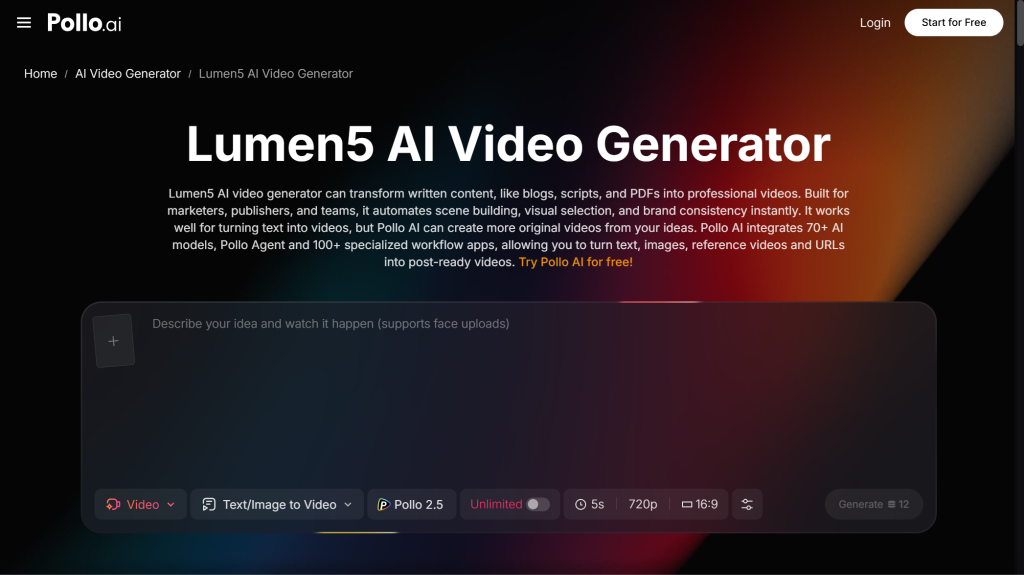
For longer-form talking-head, or if you want to re-use existing written content and turn it into video, a tool like Lumen5 is genuinely a better fit. Pollo AI folds this whole workflow into its Marketing Studio, so if you are a marketer who needs to turn blog posts into LinkedIn videos, or convert webinar transcripts into bite-sized social clips, you do not have to abandon the rest of your stack. The point is not that one tool wins every thing , it is that the right tool for the moment lives inside the same ecosystem.
A Realistic Weekly Workflow
Here’s a workflow I’ve been recommending to small teams who want to publish consistently without burning out.
Monday: Plan and prompt. Brainstorm 10 video concepts for the week. Write tight prompts for each. Don’t generate anything yet just batch the thinking.
Tuesday: Generate. Run all 10 prompts through your text-to-video tool. Expect about half to be usable on the first try. Regenerate the rest with refined prompts.
Wednesday: Edit and assemble. Trim, add captions, layer in music or voiceover. This is where AI clips become finished content.
Thursday–Sunday: Publish and engage. Drop one video per day. Take 15 minutes for each post, to reply to comments, because in 2026 the algorithms still weight engagement fairly heavily.
That works out to 7 videos a week from a single creator, and that is roughly 6 hours total. Two years ago this same level of output would have required a whole production team.
Common Mistakes to Avoid
The first mistake is over-relying on one model. Different engines excel at different things, and rotating between them produces visually richer content. This is the strongest argument for an aggregator platform like Pollo AI you don’t have to commit to one aesthetic.
Second mistake, skipping the edit. Raw AI clips almost always need trimming , a bit of color adjusting and some sound design so they feel polished, not just present. The model gives you about 70 percent, you do the last 30 and make it actually land.
Third mistake is generating without a plan. Wasting credits on random notions is the fastest way to feel like AI tools are costly. Do prompts in batches, generate more efficiently, and treat each credit like a tiny investment, because it is.
Final Thoughts
Text-to-video in 2026 isn’t some shiny novelty anymore it is a core production tool that genuinely takes on traditional video workflows when you look at cost, speed, and in a lot of cases quality. The people who are winning this year aren’t necessarily the ones with the largest budgets. It’s more like, they have figured out how to stitch together the right tools, craft sharp prompts, and keep shipping on a steady cadence.
If you are only just starting out, choose one platform that gives you access to multiple models, then commit to a 30 day publishing rhythm, and let the numbers tell you what your audience really wants to watch. That’s basically the whole game.

Nishanth Kumar is the Lead SEO Strategist at iTech Manthra. With over a decade of experience in the digital marketing landscape, he specializes in technical SEO, link-building strategies, and search engine algorithms. Nishanth has helped hundreds of businesses scale their organic presence through data-driven marketing and sustainable “white-hat” techniques. He is passionate about decoding Google’s ever-changing updates to help brands stay ahead of the competition.