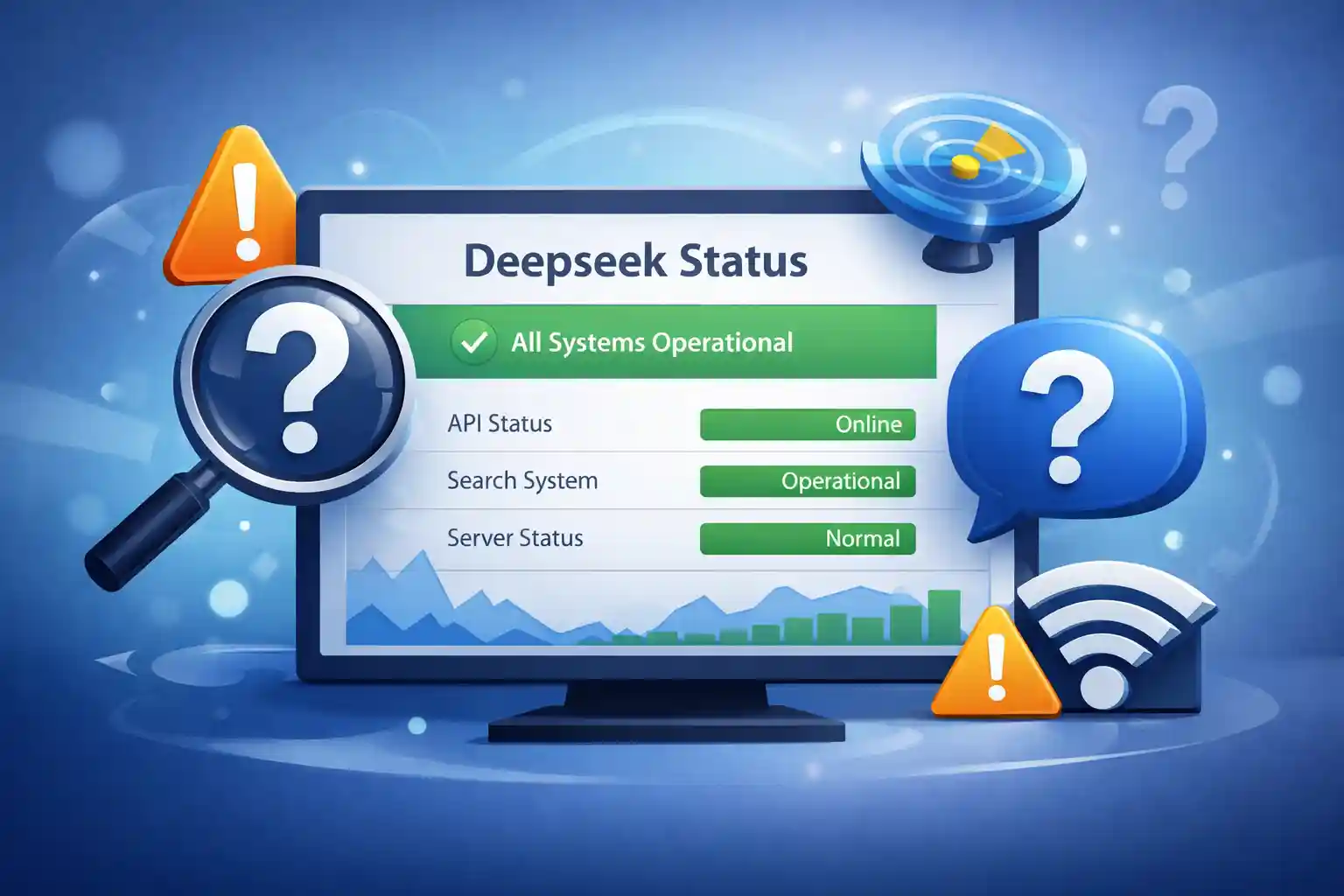
The best source is the official page. A dedicated status page shows live data. Look for a domain like status.deepseek.com. This page updates automatically. It lists each service component. Green means good. Red means trouble. Yellow means slow. The official page never lies. Check it once per hour during issues. The Deepseek status is most accurate here.
Use the Service’s Own Dashboard
Log in to the Deepseek dashboard. The dashboard shows personal account health. It also shows global service status. Look for a banner or icon. A green checkmark means all systems go. A red dot means an outage. The dashboard updates every minute. This method requires an account. It is still very reliable. Many users skip this step. Do not skip it. The dashboard holds the real Deepseek status for active users.
Run a Curl Command from Terminal
The computer sends a small packet. A reply means the server is alive. No reply means a problem. This test takes five seconds. But a failed ping is a bad sign. Use this test to verify Deepseek status quickly. Look for an HTTP status code. Code 200 means okay. Code 500 means server error. Code 503 means service unavailable. This method gives a raw answer. It bypasses all visual clutter. Tech users prefer curl.
Check Community Forums
Official forums host real user reports. Search for “Deepseek status” on the forum. Read recent posts. Look for time stamps. A post from ten minutes ago is useful. A post from yesterday is old. Forums show patterns. Five users reporting errors means a real issue. One user reporting an error might be a local problem. Use forums as a second opinion. To understand how AI search engines process these reports and rank information, you can read our guide on how to optimize content for AI search engines to stay ahead of technical shifts.
Scan Social Media Platforms
Twitter and Reddit have active discussions. Search for “Deepseek down” or “Deepseek error.” Sort by latest. Read the replies. A sudden spike in posts means trouble. Official accounts sometimes post updates. Look for verified badges. Ignore memes and jokes. Focus on factual reports. Social media is fast but messy. Use it to confirm Deepseek status after checking official sources.
Enable Browser Developer Tools
Open the browser’s developer tools. Press F12. Go to the Network tab. Try to use Deepseek. Watch for red entries. Red means failed requests. Click on a failed request. Look for a status code. 429 means too many requests. 500 means internal error. This method requires no extra software. It gives technical details. Learn this skill once. Use it forever to check Deepseek status live.
Look for Email Alerts from the Service
Some services send outage emails. Check the inbox associated with the Deepseek account. Search for “outage,” “incident,” or “status.” Also, check the spam folder. Email alerts are rare. They are used for major events. They contain official explanations. Keep those emails for reference. They help track past incidents. Email is not real-time. But it is authoritative. Combine email with live checks for full Deepseek status awareness.
Monitor the Status Page via RSS Feed
Many status pages have RSS feeds. Look for an orange RSS icon. Click it. Copy the link. Add it to an RSS reader. The reader shows updates automatically. No need to visit the page again. This method saves time. It works for all services that offer RSS. Set it up once. Get updates for life. Use this to follow Deepseek status without daily effort.
Ask a Peer in a Different Region
Sometimes the problem is local. An internet provider might block Deepseek. A government might restrict access. Ask a friend in another city or country. Have them try the service. If they succeed, the problem is local. If they fail, the problem is global. This method is simple. It requires no tools. It uses human networks. Use it to verify Deepseek status across borders.
Conclusion
No single method is perfect. The official page might be cached. The ping test might be blocked. Forums might have trolls. Use at least three methods. For example, check the dashboard, run a ping, and scan social media. If all three say the same thing, trust it. If they disagree, wait five minutes and test again. A reliable Deepseek status check uses multiple angles. Do not be lazy. Verify twice before making a decision.
