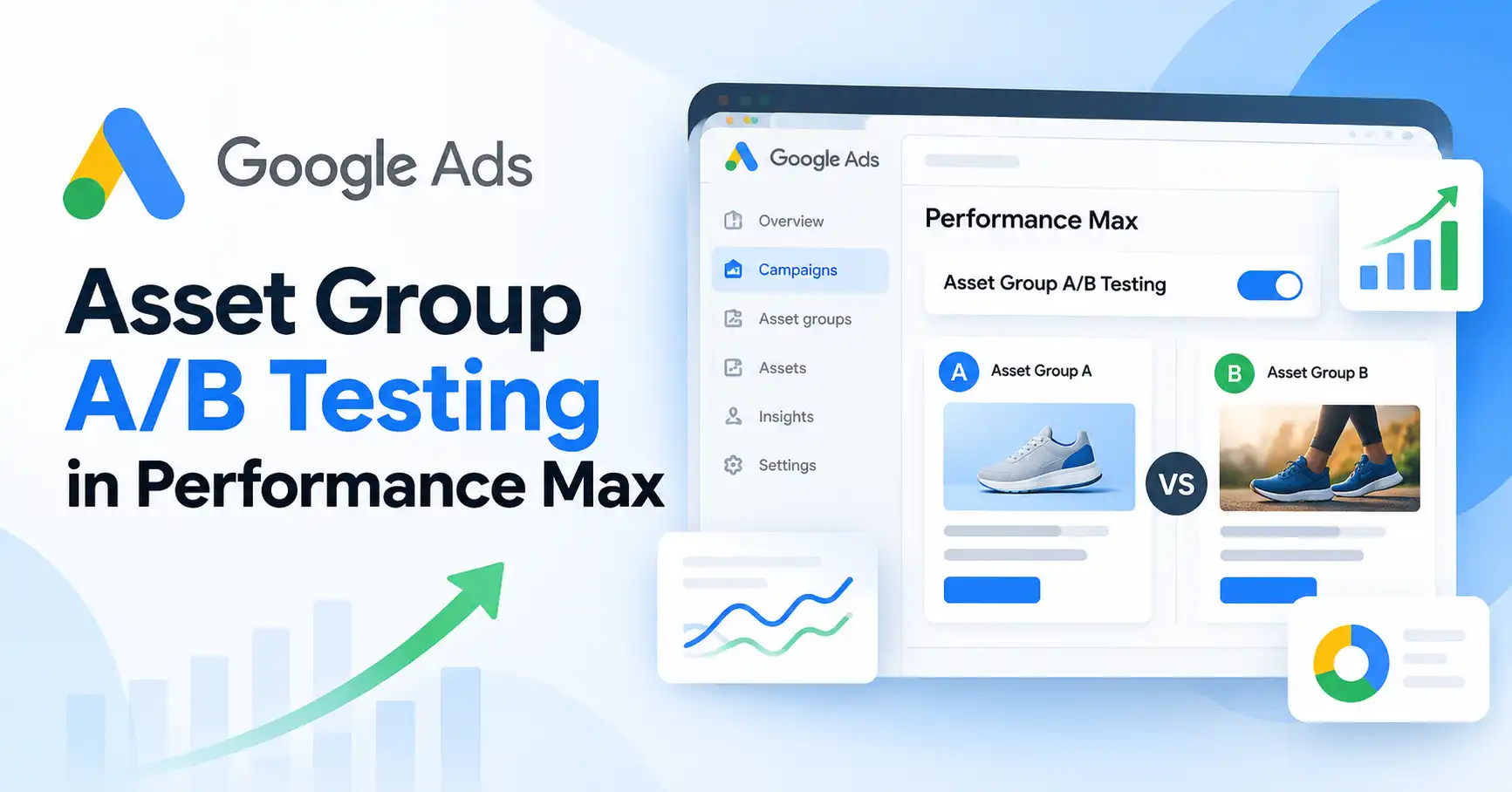
Google Ads advertisers may soon have another way to compare creative variations in Performance Max campaigns. A new asset group A/B testing toggle was reportedly spotted in the Google Ads interface, prompting questions about how advertisers might test different messages and creative combinations.
The sighting follows earlier reporting in October 2026 about A/B testing for Performance Max asset groups. Still, the appearance of a toggle doesn’t necessarily mean the feature is available to every advertiser or that its full functionality has been confirmed.
For marketers, the bigger question is how this could affect campaign optimization. If Google introduces a structured way to compare creative variations, advertisers could make better informed decisions about messaging, images, and other assets rather than relying solely on informal comparisons.
Here’s what we know, what’s still unclear, and how advertisers can prepare for more structured creative testing in Performance Max.
What Is the New Google Ads Asset Group A/B Testing Toggle?
The reported toggle appears to be connected to A/B testing within Performance Max asset groups. A/B testing involves comparing two variations to determine which performs better against a specific objective.
For example, an ecommerce advertiser might compare two messages promoting the same product:
- Version A: Focuses on discounts and affordability.
- Version B: Emphasizes product quality and long term value.
Instead of choosing a message based on intuition alone, the advertiser could compare the results under controlled conditions.
Search Engine Land reported on October 20, 2026, that a new asset group A/B testing toggle had been spotted. An earlier report, published on October 2, also covered A/B testing for Performance Max asset groups.
Together, these reports highlight the growing interest in creative experimentation within Google’s automated advertising campaigns. However, the exact functionality, eligibility requirements, and rollout status of the newly spotted toggle still need confirmation.
What’s Confirmed and What Remains Uncertain?
There’s an important difference between spotting a new interface option and having a fully documented feature.
Current reporting confirms that the toggle was spotted. It doesn’t establish whether every Google Ads account has access, which creative formats are supported, or exactly how advertisers will run a test.
Before changing campaign settings, advertisers should check their Google Ads accounts and consult Google’s latest documentation for availability details and instructions.
How A/B Testing Could Improve Performance Max Creative Optimization
Performance Max uses Google’s automation to serve ads across eligible Google advertising channels. Advertisers provide creative assets, audience signals, conversion goals, and other inputs, while Google’s systems optimize campaign delivery.
This automation simplifies campaign management, but it can also make it difficult to isolate the impact of individual creative decisions.
Structured asset group testing could give advertisers a more deliberate way to compare alternatives.
Compare Different Value Propositions
One common mistake is creating several ads that communicate essentially the same benefit. The wording might change, but the underlying message remains identical.
Consider a company selling project management software. It could compare two distinct value propositions:
- Message A: Save time by automating repetitive project tasks.
- Message B: Improve team visibility and keep projects on schedule.
Both promote the same product, but each appeals to a different customer priority. A structured comparison could help the advertiser determine which message better supports its campaign objective.
The results would still need careful interpretation. Audience behavior, conversion patterns, seasonality, and other factors can influence performance. A message that works well in one campaign won’t necessarily be the best choice for every audience or situation.
Test Headlines, Descriptions, and Images
Each creative element serves a different purpose. Headlines communicate the main promise, descriptions add context, and images or videos help demonstrate the offer.
Depending on the feature’s eventual capabilities, advertisers might compare:
- Benefit led headlines against problem led headlines.
- Product focused images against lifestyle imagery.
- Different descriptions promoting the same offer.
- Product demonstration videos against videos explaining product benefits.
These are potential testing ideas, not a confirmed list of creative elements supported by the newly spotted toggle.
The goal is to test meaningful differences. Swapping an image for an almost identical alternative may reveal less than comparing two creative approaches designed to appeal to different customer needs.
How to Prepare a Google Ads Asset Group A/B Test
Until Google confirms the exact workflow for the newly spotted toggle, advertisers can prepare by following established experimentation principles.
Google’s official Performance Max experiments guide explains how experiments can help advertisers compare supported campaign features, settings, and creative assets. The available options depend on the experiment type.
Step 1: Define a Clear Hypothesis
Start with a business question rather than a creative preference.
For example: Will messaging that emphasizes time savings generate more qualified leads than messaging focused on ease of use?
A useful hypothesis identifies what you’re testing, what outcome you expect, and which metric you’ll use to evaluate the result.
Step 2: Develop Two Distinct Creative Approaches
Create variations that differ in a meaningful way. If you’re testing messaging, each version should communicate a distinct benefit while keeping the underlying offer consistent.
Avoid changing the price, landing page, headline, image, and promotion simultaneously if you want to understand which change influenced the outcome.
Step 3: Check Whether the Feature Is Available
Open your Google Ads account and look for the reported testing option in the relevant Performance Max asset group. If you can’t find it, don’t assume something is wrong with your account.
Review Google’s official Performance Max asset group best practices and its current experiment documentation. Follow the instructions available in your account rather than relying on screenshots or workflows associated with an unconfirmed rollout.
Step 4: Establish a Baseline and Track Results
Record existing campaign performance before making changes. Then choose metrics that reflect your business objective.
| Campaign objective | Useful metrics |
| Lead generation | Qualified leads, conversions, cost per acquisition (CPA) |
| Ecommerce sales | Purchases, conversion value, return on ad spend (ROAS) |
| Traffic focused campaigns | Relevant clicks, engagement, downstream conversions |
Clicks alone don’t tell the whole story. An ad might attract more visitors but generate fewer qualified leads or sales.
Step 5: Evaluate the Evidence Before Acting
Don’t declare a winner based on a brief performance fluctuation. Consider conversion volume, test duration, changes in demand, and whether the observed difference matters to your business.
An inconclusive result can also be useful. It may suggest that the creative variations perform similarly or that you need more evidence before making a decision.
Practical Example: Testing Two Performance Max Ad Messages
Imagine a company promoting a project management platform through a Performance Max campaign. The campaign generates leads, but the marketing team wants to understand which message attracts more qualified prospects.
Version A: Time savings
Headline: “Automate Repetitive Project Tasks”
Description: “Spend less time on manual work and more time moving projects forward.”
Version B: Team visibility
Headline: “Keep Every Project on Track”
Description: “Bring tasks, deadlines and team progress into one shared workspace.”
Both versions promote the same product, but they emphasize different customer needs.
If a supported experiment allows the company to compare these approaches, the team could evaluate qualified leads and cost per qualified lead, provided those outcomes are tracked reliably. Lead quality matters, too. A campaign that generates more form submissions isn’t necessarily better if those leads are less likely to become customers.
This is a hypothetical example, not a report of an actual campaign or a confirmed workflow for the new toggle.
For more context on interpreting campaign data, read iTechManthra’s guide to analyzing Performance Max channel performance. Channel level reporting can help explain campaign behavior, but it doesn’t prove that a particular creative variation caused a performance change.
What Advertisers Should Know Before Using the Feature
Availability May Vary Across Accounts
A reported toggle doesn’t guarantee universal access. Check whether the option appears in your account and whether Google has published instructions explaining how to use it.
Avoid Changing Too Many Variables
A useful creative test answers a specific question. When several elements change simultaneously, it’s harder to determine what influenced the result.
Look Beyond Individual Asset Performance
A creative variation might attract attention without generating profitable conversions. Evaluate results against your campaign goals rather than removing assets or asset groups based on a single metric.
Google’s asset group reporting guidance explains how to assess asset groups in the context of broader campaign goals.
How Does This Fit Into Google’s Other Testing Tools?
Google Ads already offers different ways to evaluate campaign settings, assets, and performance. Advertisers can use established Performance Max experiments to test supported changes.
iTechManthra also covers developments in Google AI Max testing tools. However, AI Max for Search and Performance Max are different campaign solutions, so their testing options shouldn’t be treated as interchangeable.
The new toggle is worth watching, but advertisers should wait for clearer documentation before assuming it changes how every Performance Max campaign can be tested.
FAQ’s
Google Ads asset group A/B testing involves comparing alternative creative approaches associated with Performance Max asset groups to evaluate their performance. The exact functionality of the newly spotted toggle should be verified against current Google Ads documentation.
Universal availability hasn’t been established by the reported sighting. Check your Google Ads account and Google’s latest documentation for eligibility and rollout information.
Choose metrics that match your campaign objective. Lead generation campaigns may prioritize qualified leads and CPA, while ecommerce campaigns may focus on purchases, conversion value, and ROAS. Reliable conversion tracking is essential for meaningful comparisons.
Restrictions depend on the experiment type and implementation. Check the instructions for your specific experiment before editing assets, as changes could affect the test’s validity or operation
Conclusion
The Google Ads asset group A/B testing toggle spotted in Performance Max is worth watching because it raises the possibility of more structured creative experimentation. However, the interface sighting alone doesn’t confirm the feature’s precise functionality or availability.
Advertisers can prepare by defining clear hypotheses, developing distinct creative variations, setting up reliable conversion tracking, and deciding how they’ll measure success. Once Google clarifies the supported workflow, that groundwork can help marketing teams make better informed decisions without mistaking short term fluctuations for meaningful improvements.

Kumar Swamy is the CEO of Itech Manthra Pvt Ltd and a dedicated Article Writer and SEO Specialist. With a wealth of experience in crafting high-quality content, he focuses on technology, business, and current events, ensuring that readers receive timely and relevant insights.
As a technical SEO expert, Kumar Swamy employs effective strategies to optimize websites for search engines, boosting visibility and performance. Passionate about sharing knowledge, he aims to empower audiences with informative and engaging articles.
Connect with Kumar Swamy to explore the evolving landscape of content creation!